
Restaurant Billing Software in Pakistan That Keeps the Counter Moving
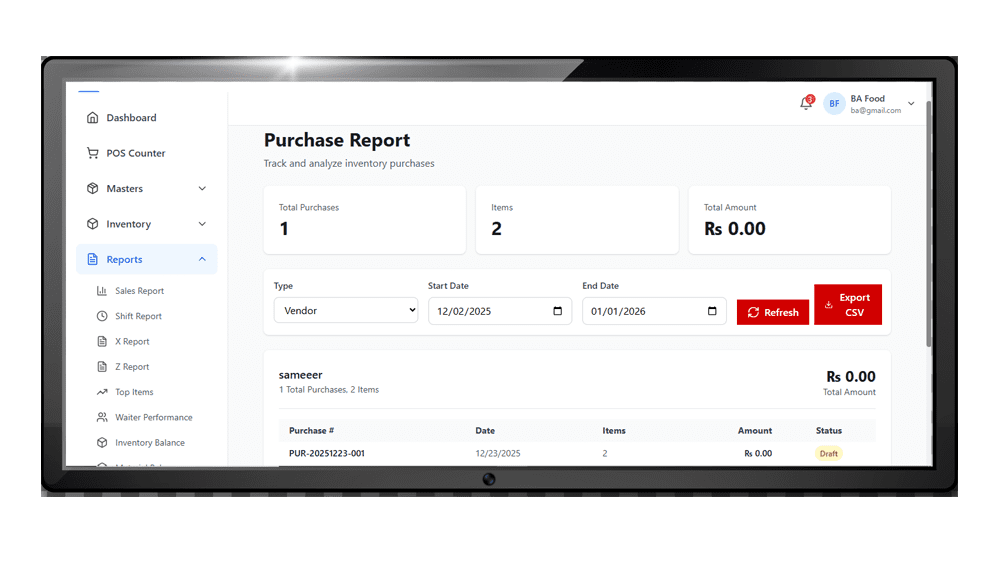
At lunch and dinner rush, every second at the counter counts. Switcher Techno’s restaurant billing software takes the order, sends it to the kitchen and prints a correct bill in a few taps, so customers are not kept waiting and nothing is missed.
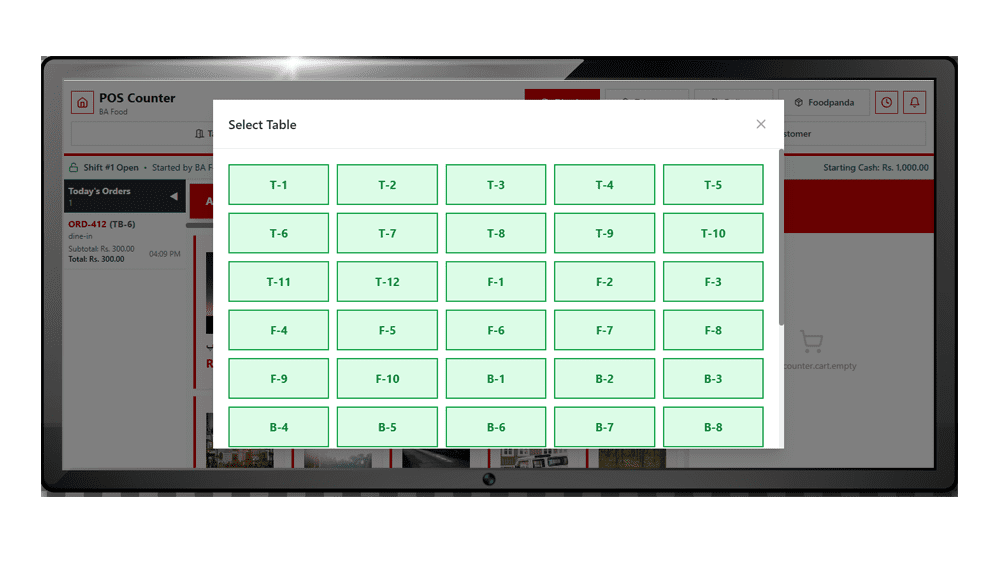
- Dine-in, takeaway and delivery orders from one screen
- Kitchen Order Tickets (KOT) reach the kitchen as soon as the order is placed
- Split billing when a table wants to pay separately
- Discounts applied and tracked against each bill
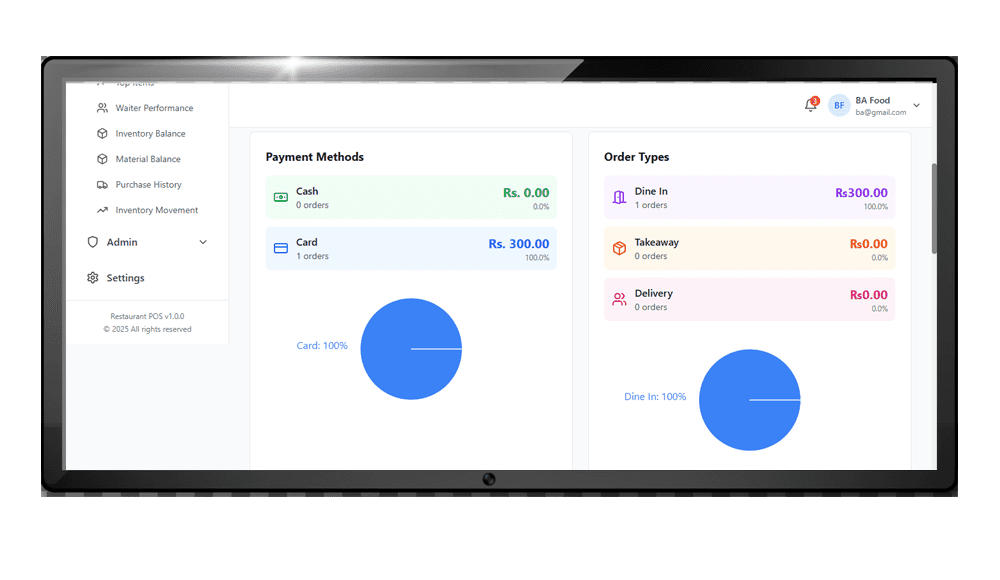
- Cash, card and other payment methods recorded on every bill
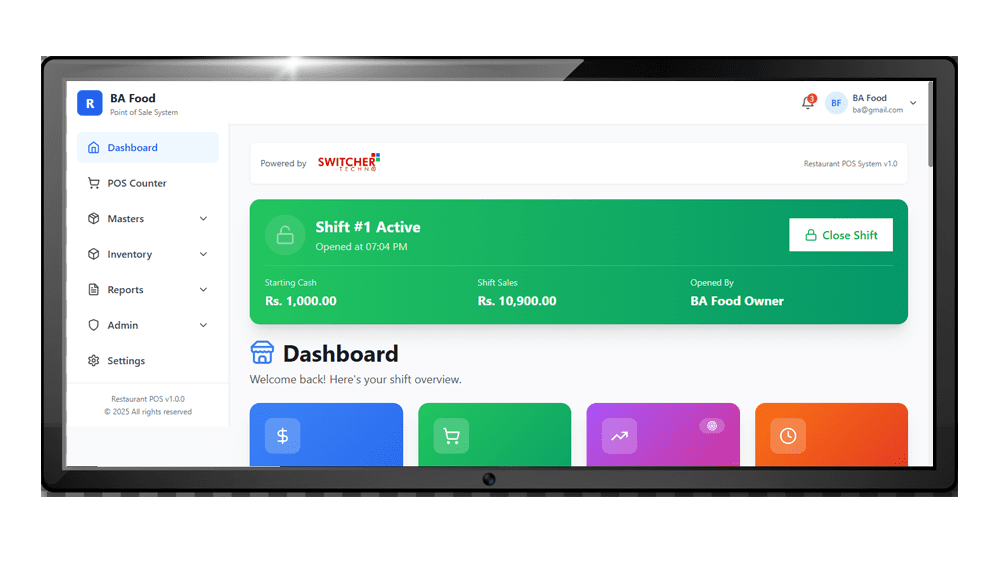
- Shift-wise closing with starting cash and shift owner
- Tax shown correctly on the bill for your province
- Offline mode so billing continues when the internet drops
How a bill moves from order to day-end closing
- Take the order. The cashier or waiter selects the items for a table, takeaway or delivery order.
- Send it to the kitchen. The KOT reaches the kitchen as soon as the order is placed, so nobody has to carry a paper slip.
- Print the bill. The system adds tax for your province and any discount, and it can split the bill if the table wants to pay separately.
- Close the shift. Each payment is recorded against the bill, so shift-wise closing starts from the system’s figures and not from a handwritten total.
Bill book vs restaurant billing software
| What you need | Bill book | Restaurant software |
|---|---|---|
| Sending orders to the kitchen | Handwritten slip | KOT sent when the order is placed |
| Totals and tax | Worked out by hand | Calculated on the bill for your province |
| Discounts | Hard to track later | Tracked against each bill |
| Day-end cash check | Adding up copies by hand | Shift-wise closing with payment methods |
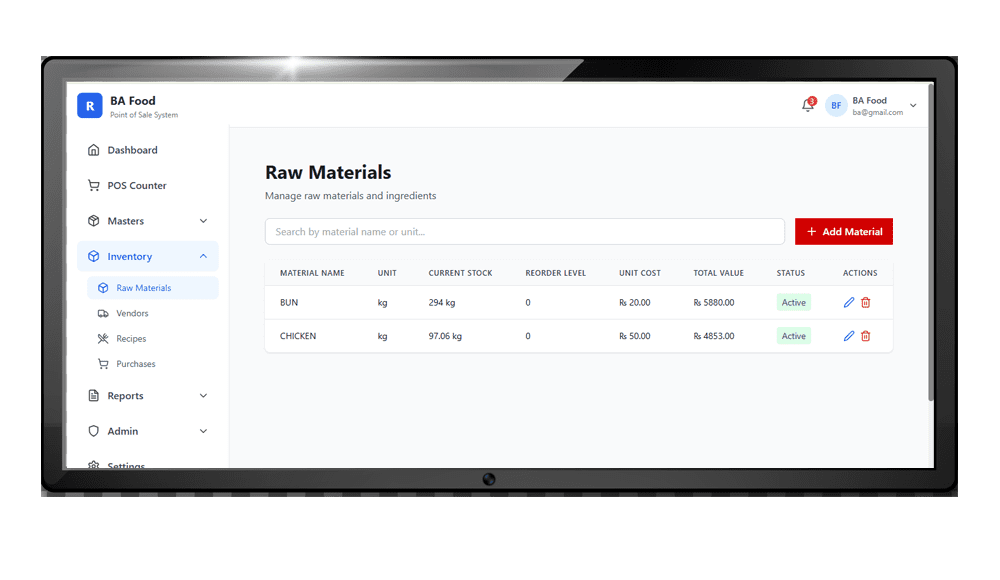
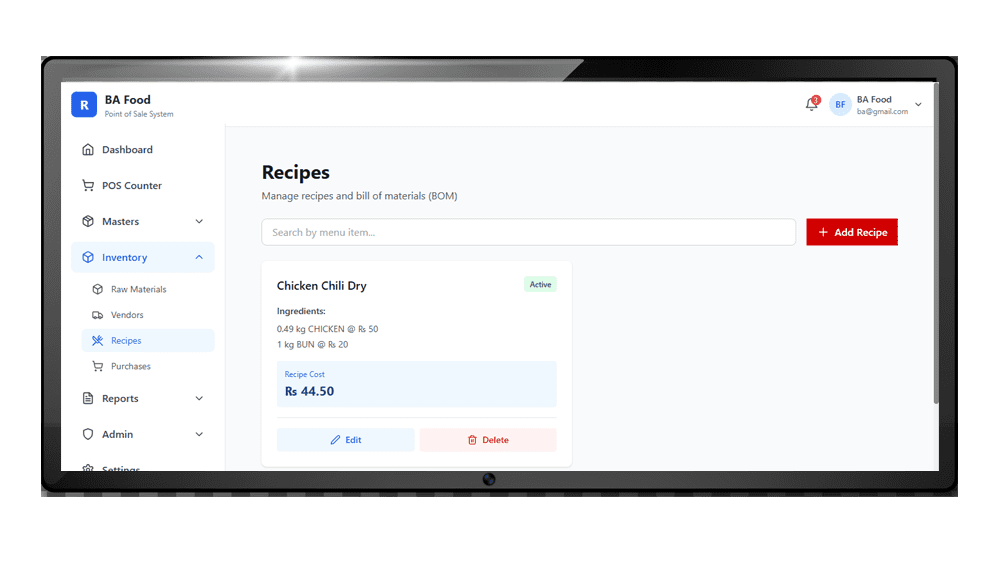
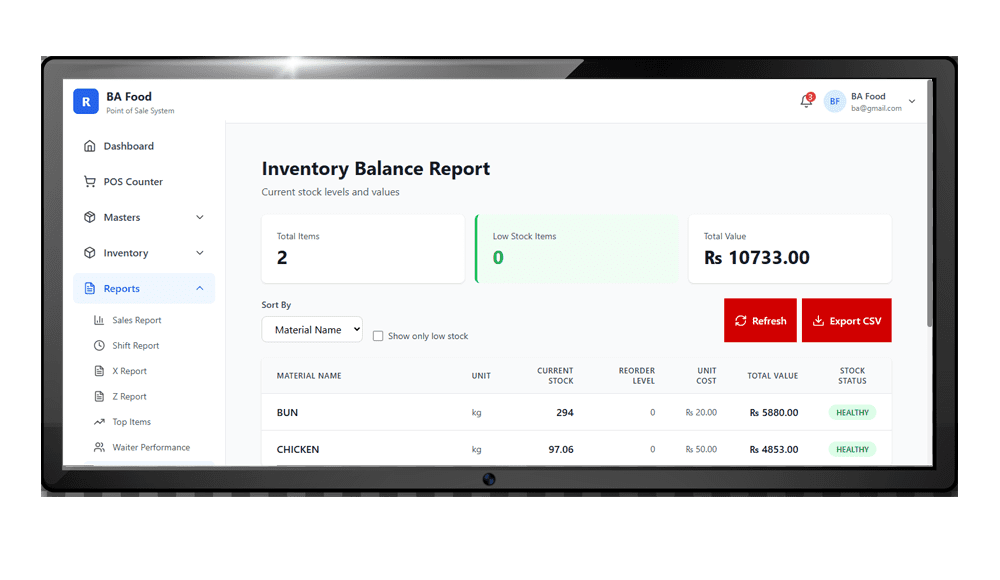
| Stock and profit | Separate registers, if kept at all | Linked to ingredients, recipes and reports |
Comparing options? See our guide to restaurant software prices in Pakistan before you ask for quotes.
Delivery and Online Orders Without Broken Reports
Orders from delivery apps are settled by someone else, weeks later, after charges and discounts. If they are not recorded in your own system at full value, your sales, your stock and your food cost all drift. Switcher Techno keeps every delivery order under its own order type so the numbers stay honest.
- Separate order types for dine-in, takeaway and delivery on every bill
- Full order value recorded, with platform charges kept as an expense
- Stock reduces for delivery orders exactly as it does at the counter
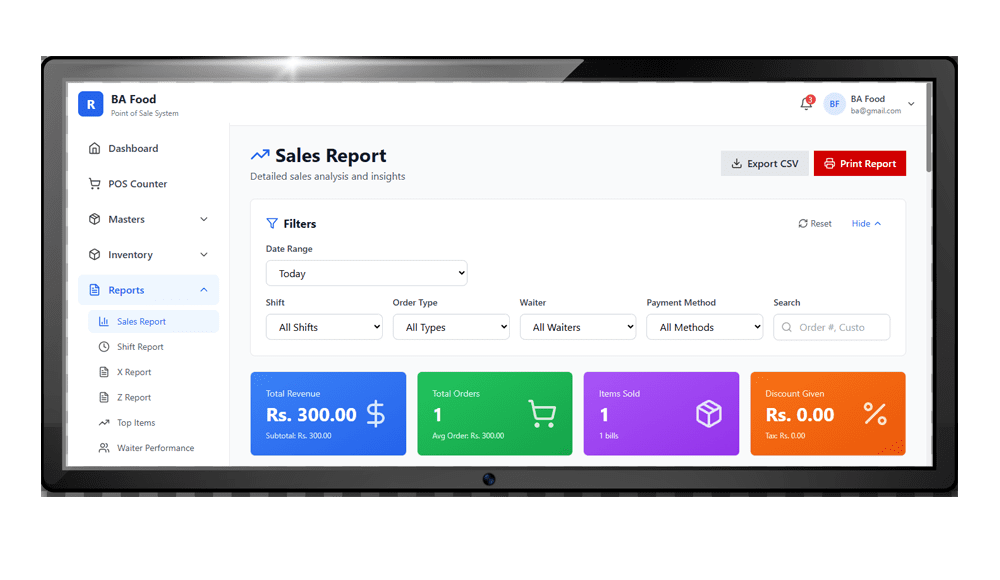
- Sales and food cost reports that can be read for each channel on its own
- Packing material tracked as a cost of delivery, not general kitchen stock
- Period totals you can match line by line against a platform payout statement
Step-by-step method: how to reconcile delivery app orders with your restaurant POS.
SRB, PRA and FBR Integration for Restaurants
Restaurants in Pakistan pay sales tax on services to their province: the Sindh Revenue Board (SRB) in Sindh, the Punjab Revenue Authority (PRA) in Punjab, KPRA in Khyber Pakhtunkhwa and BRA in Balochistan. Restaurants in Islamabad fall under the ICT tax on services, collected by FBR. Restaurants covered by these rules must issue every bill through a POS that is integrated with the tax authority, so each invoice is reported in real time.
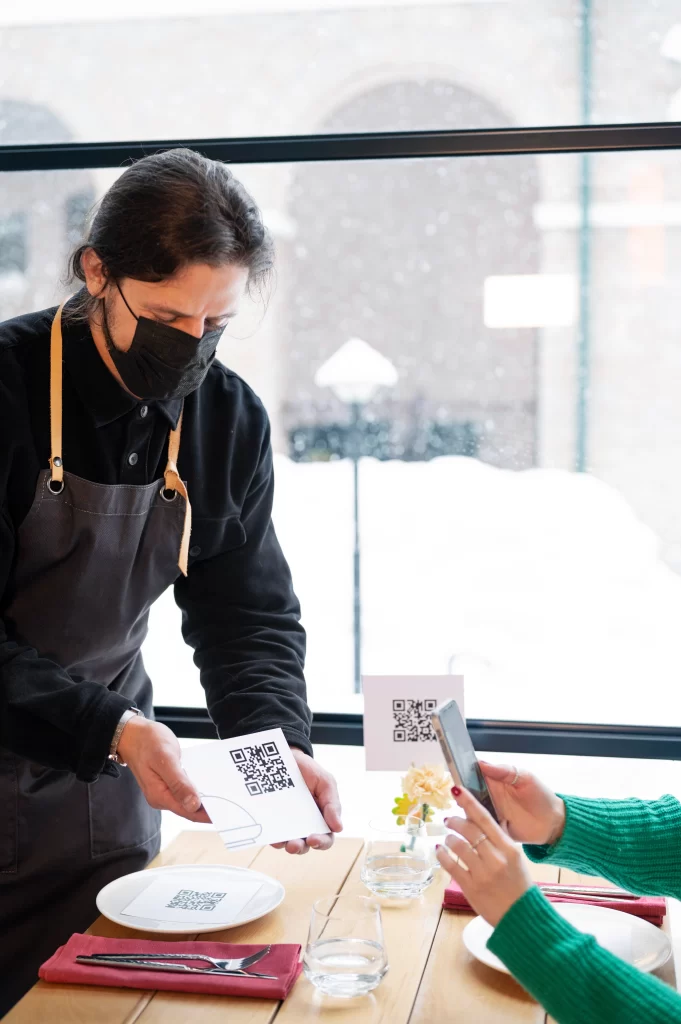
Switcher Techno’s restaurant POS is built for this. Each bill is reported to the authority, carries the invoice number and QR code the authority issues, and uses the correct tax rate for the way the customer pays.
Latest change in Punjab: from 1 July 2026, under the Punjab Finance Act 2026, restaurant bills paid by debit card, credit card, mobile wallet or QR code are taxed at 8% (up from 5%), while cash bills stay at 16%. Your POS must pick the right rate automatically by payment method. Read the full update.
Read our guides to SRB POS integration for restaurants in Sindh, PRA POS integration in Punjab and FBR digital invoicing for restaurants.
Built for Every Kind of Food Business
Cafes and coffee shops
Quick counter billing, card and cash payments, and daily sales by item.
Fast food, burger and pizza outlets
Fast takeaway and delivery billing, with recipe costing for every burger and pizza.
BBQ, karahi and desi restaurants
Table management, KOT straight to the kitchen and menus in Urdu and English.
Cloud kitchens
Delivery-focused billing with ingredient tracking so food cost stays under control.
Multi-branch restaurant chains
Each branch runs its own counter while the owner sees sales, stock and purchases for all branches.
Food courts and canteens
High-volume billing with shift closing and cash control at every counter.
Restaurant POS in Karachi, Lahore and Islamabad
Our teams in Karachi and Lahore set up the software at your restaurant, load your menu, recipes and opening stock, and train cashiers, waiters and kitchen staff. Restaurants in Islamabad and other cities are set up and supported online. Switcher Techno has been building business software for Pakistani companies since 2010, and our accounting software connects your restaurant sales and purchases to your books.
Restaurant Software, POS or ERP: Which One Do You Need?
People searching for “restaurant software” in Pakistan usually mean one of three things: a simple billing program, a restaurant POS, or a fuller restaurant management (ERP) system. The names overlap, so compare what each one actually records before you ask for a demo.
| Type | What it records | Usually enough for |
|---|---|---|
| Restaurant billing software | Bills, tax, discounts and the day’s sales total | A single counter with a short menu and no stock tracking |
| Restaurant POS software | Billing plus KOT to the kitchen, tables, order types (dine-in, takeaway, delivery), payment types and shift closing | Most dine-in restaurants, cafés and fast food outlets |
| Restaurant management / ERP software | POS plus ingredient stock, recipes (BOM), vendor purchases, branch reports and a link to accounts | Chains, cloud kitchens and owners who want food cost and profit, not only sales |
Three questions decide the level you need:
- Do you need to know food cost? If yes, you need ingredient stock and recipes, not billing alone. A daily wastage log makes those numbers more reliable.
- Will the internet ever go down during service? Check how the system bills offline before you choose; see our comparison of cloud vs offline restaurant POS.
- Who closes the day? If the owner is not at the counter every night, choose software whose shift and day-end reports make the end-of-day closing checklist quick to follow.
Switcher Techno’s restaurant software covers all three levels in one system: billing and KOT, table management, ingredient inventory, recipes, vendor purchases, branch reports and SRB, PRA or FBR integration, as described above.
How to Choose Restaurant POS Software in Pakistan
- Tax integration. Confirm the POS is integrated with SRB, PRA, KPRA or FBR for your city, and applies the right rate for cash and card bills.
- Speed at rush hour. Ask for a demo with your own menu and time how long a bill takes.
- Kitchen flow. KOT should reach the kitchen instantly, with clear table and order numbers.
- Recipe costing. The software should deduct ingredients for every dish sold and show the real cost of each item.
- Offline mode. Billing must not stop when the internet or the authority’s server is down.
- Local support. Make sure someone in Pakistan will pick up the phone on a Saturday night.
Frequently Asked Questions
What is restaurant POS software?
Restaurant POS software is the system a restaurant uses to take orders, send them to the kitchen, print bills, accept payments and track sales and stock. Switcher Techno’s restaurant POS also handles table management, recipe costing and tax integration.
What is the difference between restaurant POS and restaurant billing software?
Billing software prints the bill. A restaurant POS does billing plus KOT, table management, ingredient stock, recipes, purchases and reports, so you can see profit as well as sales.
Can restaurant POS software help stop waiter and cash theft?
It can help, because orders, bills and shift totals are recorded in one system and are easier to match. It works best with clear rules, cash counts at every shift and an owner who reviews the reports. See our guide on how to stop waiter and cash theft.
Does my restaurant need SRB or PRA POS integration?
Restaurants covered by provincial rules must issue bills through a POS integrated with SRB in Sindh or PRA in Punjab, and similar rules apply with KPRA and in Islamabad. Check your registration status with the authority or your tax adviser; we can integrate your POS once you know.
What is the restaurant sales tax rate on card payments in Punjab?
From 1 July 2026, restaurant bills in Punjab paid by debit card, credit card, mobile wallet or QR code are taxed at 8%, and cash bills at 16%, under the Punjab Finance Act 2026.
Can the restaurant POS work without internet?
Yes. Billing continues offline and the data syncs when the connection returns.
Can I manage more than one branch?
Yes. Each branch bills on its own while the owner sees sales, stock and purchases for every branch in one place.
Can the software calculate the cost of each dish?
Yes. You set a recipe for each dish, and the software deducts the ingredients on every sale and shows the cost and profit of each item.
What should I look for in restaurant billing software?
Check that it handles dine-in, takeaway and delivery from one screen, sends KOTs to the kitchen, splits bills, records every payment method, shows the right tax for your province and keeps working when the internet drops. Ask for a demo using your own menu and a real rush-hour order.
How much does restaurant POS software cost in Pakistan?
The price depends on the number of counters, branches and modules you need. Book a free demo and we will share a quote for your restaurant.
Restaurant Guides
- BBQ and karahi restaurant software: what it must handle
- How to set up POS software for a new café
- Restaurant end-of-day closing checklist
- Cloud vs offline restaurant POS: which one fits?
- Cloud kitchen software: what a delivery-only kitchen needs
- Restaurant wastage log template
- Restaurant billing software: 25-point checklist
- SRB POS Integration for Restaurants in Sindh
- PRA POS Integration in Punjab
- FBR Digital Invoicing for Restaurants in Pakistan
- Punjab Restaurant Tax on Card Payments Is Now 8%
- Restaurant Food Cost: Recipe Cost and Menu Pricing (Free Calculator)
- POS Software in Pakistan
- Restaurant software price in Pakistan (2026)
- How to stop waiter and cash theft
- KOT and kitchen display system explained
- Bakery POS software in Pakistan: 25-point checklist
- Delivery app orders: how to reconcile them with your POS
