
FBR Digital Invoicing Error Codes: What They Mean and How to Fix Them (2026)
In short: When FBR rejects a digital invoice, the response marks it invalid and returns a four-digit error code with a short message. Most rejections come from a handful of causes: a wrong or unregistered NTN, a date not in YYYY-MM-DD format, an HS code that does not match the sale type or unit of measure, a tax amount that does not match the rate, a debit or credit note without the original invoice reference, or a token that does not belong to the seller’s NTN (0401). Fix the data at its source, test with FBR’s validate service before posting, and keep a lookup of the codes. Our free Excel list of FBR digital invoicing error codes covers all sales and purchase codes in FBR’s technical documentation.
Every business that connects its POS, ERP or accounting software to FBR digital invoicing hits rejected invoices at some point, usually in the first week of going live or when a new product or customer type is added. The error message FBR sends back is short, and the code alone does not tell a cashier or accountant what to change.
This guide groups the error codes listed in PRAL’s technical documentation for the digital invoicing API (version 1.12, last updated 24 July 2025), explains what each group means in plain language, and shows how to fix the most common ones. If you are new to the system, start with our complete FBR digital invoicing guide.
How FBR tells you an invoice was rejected
- Valid or invalid: every response says whether the invoice was accepted. An accepted invoice comes back with an FBR invoice number and QR code to print on the bill.
- Error code and message: a rejected invoice carries a four-digit code and a short description. Always record the code, because the message text is generic.
- Line-level errors: if one item line is wrong, the response shows which line failed. One bad line stops the whole invoice.
- Validate first: FBR provides a separate validate service that checks an invoice without posting it. Use it to catch errors before the customer is waiting at the counter.
- Sandbox vs production: sandbox and production use different tokens, and the token decides where the invoice goes. A sandbox token used in production, or the other way round, is a common cause of failures.
- FBR sandbox testing and go-live guide
The 15 errors businesses hit most often
| Code | What it means | How to fix it |
|---|---|---|
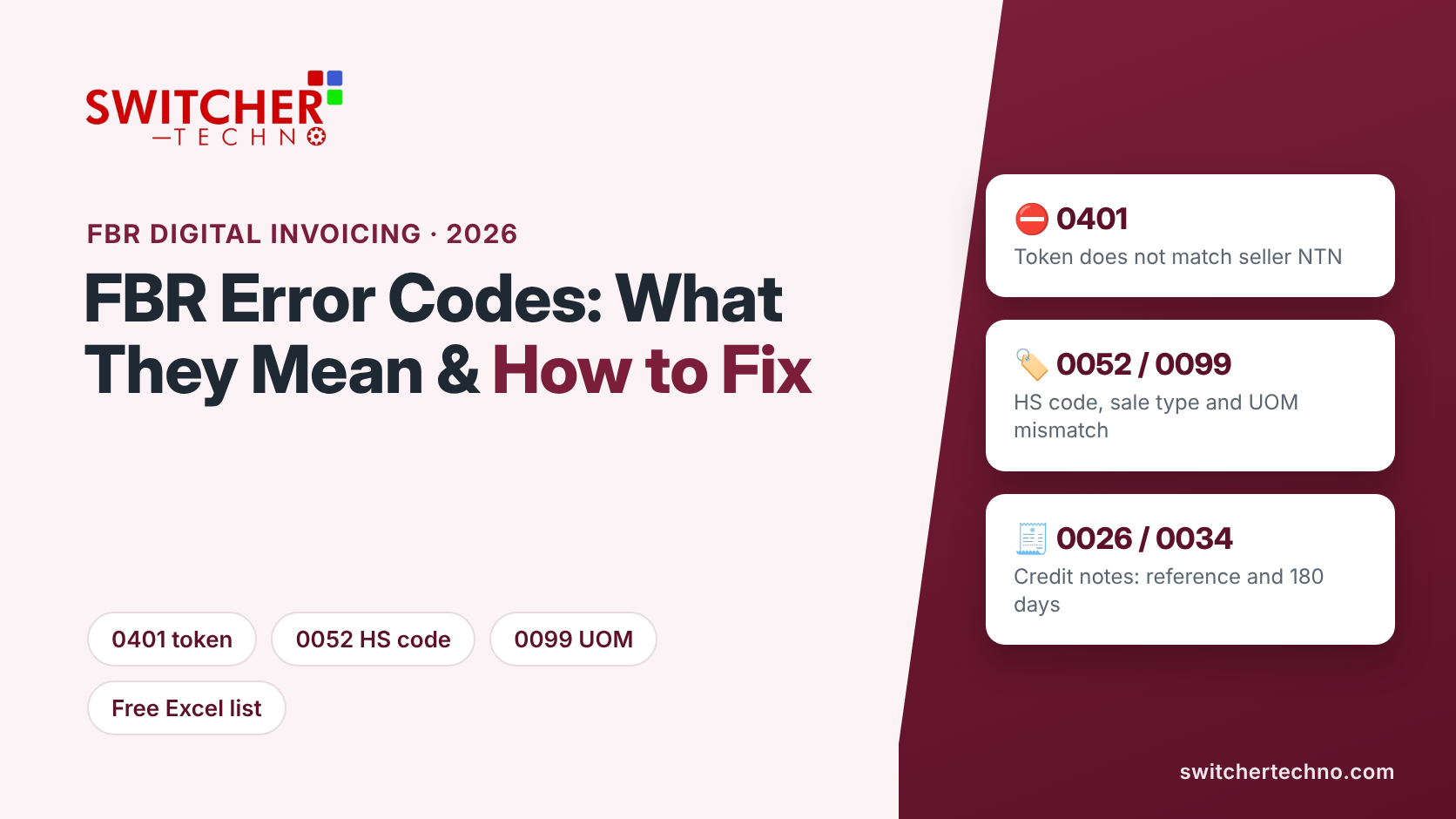
| 0401 | The seller’s NTN or CNIC does not have a valid authorised token | Check that the token was generated in IRIS for this exact NTN, has not expired, and matches the environment (sandbox or production). |
| 0402 | The buyer’s NTN or CNIC does not have a valid authorised token | Check the buyer’s NTN or CNIC and the buyer registration type you are sending. |
| 0001 / 0082 | The seller is not registered for sales tax | Confirm the seller NTN and sales tax registration status in IRIS before going live. |
| 0002 / 0108 | Buyer or seller registration number or NTN is invalid | Remove spaces and dashes, use the correct number of digits, and verify the NTN. |
| 0005 / 0043 / 0113 | Invoice date is invalid or cannot be read | Send dates in YYYY-MM-DD format, for example 2026-11-02. |
| 0088 | Invoice number format is invalid | Use letters, numbers and hyphens only. Avoid spaces and special characters. |
| 0019 / 0044 | HS code is missing | Add the correct HS (PCT) code to every item in your item master. |
| 0052 | HS code does not match the sale type | Check the item’s tax treatment (standard, reduced, exempt, 3rd schedule) and use the sale type that applies to that HS code. |
| 0099 | Unit of measure is not valid for the HS code | Use the UOM FBR expects for that HS code, such as KG or KWH where required (see also 0096 and 0097). |
| 0104 / 0105 | Sales tax does not match the rate or quantity | Let the software calculate tax from value and rate; do not type tax by hand. |
| 0102 | Tax not calculated as per the 3rd schedule formula | For 3rd schedule goods, calculate tax on the printed retail price, not the sale value. |
| 0026 / 0027 | Debit or credit note without the original invoice reference or reason | Send the original FBR invoice number and a reason with every debit or credit note. |
| 0034 | Debit or credit note is outside the 180-day window | Notes must be issued within 180 days of the original invoice. |
| 0058 | Self-invoicing is not allowed | Buyer and seller cannot be the same NTN. Check the customer selected on the invoice. |
| 0300 | Invalid decimal value in one or more fields | Check that amounts and quantities are numbers with valid decimals, with no commas or currency symbols. |
If error 0052 or 0099 appears once, it will appear on every invoice for that item until the item master is corrected. Fix the HS code, UOM and sale type on the product itself, then resubmit.
Error codes by group
1. Seller, buyer and token errors
Codes 0001, 0002, 0009, 0010, 0012, 0053, 0082, 0083, 0106, 0107, 0108, 0401 and 0402 relate to who is selling and who is buying: a missing buyer name or registration number, an invalid registration type, an NTN that does not match the registration number, or a token that does not belong to the NTN. Keep a clean customer master with NTN, CNIC, registration type and province for every customer, and check the token whenever you move from sandbox to production.
2. Invoice number, type and date errors
Codes 0003, 0005, 0006, 0007, 0011, 0013, 0041, 0042, 0043, 0088, 0092, 0109 and 0113 cover the invoice header: the invoice type and sale type must be present and correct, the invoice number must follow the allowed format, and dates must be in YYYY-MM-DD format.
3. HS code, unit of measure and rate errors
Codes 0019, 0020, 0044, 0046, 0052, 0096, 0097, 0098 and 0099 come from the item lines. Each HS code is tied to particular sale types, rates and units of measure. FBR publishes reference services for this, such as sale type to rate and HS code to UOM, and good software uses them so the cashier never has to choose.
4. Tax calculation errors
Codes 0008, 0018, 0021 to 0024, 0031, 0079, 0080, 0089, 0090, 0091, 0095, 0102, 0103, 0104 and 0105 mean the tax figures do not add up: sales tax missing or not matching the rate, further tax or FED missing, the retail price missing for 3rd schedule goods, or extra tax sent when it should be empty. Code 0079 means the 5% rate is not allowed when the sales value is above Rs 20,000.
5. Debit and credit note errors
Codes 0026 to 0029, 0034 to 0037, 0039, 0057, 0064, 0067 and 0068 apply to notes: the original invoice must exist and be referenced, a reason must be given (with remarks if the reason is “Others”), the note cannot be dated before the original invoice, it must fall within 180 days, and a credit note cannot exceed the original value or tax. Code 0064 means a credit note already exists for that invoice.
6. Province and SRO errors
Codes 0073 and 0074 mean the province of the supplier or the destination of supply is missing. Codes 0077 and 0078 mean an SRO or schedule number, or its item serial number, is missing for an item that needs one, such as an exempt or reduced-rate item.
7. Sector-specific errors
Some codes only appear in particular sectors: steel (0056, 0101), cotton ginners and spinners (0050, 0100), petroleum (0087), electricity (0096), compressor scrap (0086) and withholding agents (0032, 0055, 0070). If your business is in one of these sectors, test those cases in the sandbox before going live.
8. Purchase errors (0156 to 0177)
The purchase codes mirror the sales codes for invoices recorded on the buying side: invalid NTN, buyer not registered, wrong sale type, wrong UOM, missing sales tax or further tax, and invoice number format. The fixes are the same as for the matching sales codes.
The 28 sandbox scenarios you may need to pass
Before production, FBR’s sandbox asks you to test the scenarios that apply to your business. The technical documentation lists 28:
| Scenario | Covers |
|---|---|
| SN001 to SN002 | Goods at standard rate to registered and unregistered buyers |
| SN005 to SN008 | Reduced-rate, exempt, zero-rated and 3rd schedule goods |
| SN017 to SN019 | Goods and services with FED in sales tax mode, and services |
| SN026 to SN028 | Sales to end consumers by retailers (standard, 3rd schedule and reduced rate) |
| SN003, SN004, SN009 to SN016, SN020 to SN025 | Sector cases: steel, ship breaking, cotton, telecom, toll manufacturing, petroleum, electricity, gas and CNG, mobile phones, processing, electric vehicles, cement, potassium chlorate, SRO 297 goods and fixed-rate drugs |
Most traders and distributors only need the general scenarios that match their sales. For the full process, see how to integrate your business with FBR digital invoicing.
A checklist before you go live
- Clean the item master. Every item needs the right HS code, UOM, sale type and rate.
- Clean the customer master. NTN or CNIC, registration type and province for every customer.
- Use the right token. Sandbox token for testing, production token for live invoices, both for the correct NTN.
- Validate before posting. Run invoices through the validate service first, especially new items and customers.
- Handle failures without stopping sales. Queue rejected or unsent invoices, fix them and resubmit, and keep a log. If FBR’s system is down, follow the offline invoicing rules.
- Reconcile monthly. Make sure every invoice in your books reached FBR before you file, so your return matches. See Annex-C not matching your e-invoices.
Why the same errors keep coming back
Most repeat errors are not FBR problems. They come from software that lets users type HS codes, rates and tax by hand, or that sends invoices before checking them. Good FBR digital invoicing software stores the correct tax setup on each item, calculates tax automatically, validates before posting and shows the cashier a clear message instead of a four-digit code.
Stuck with rejected FBR invoices?
Switcher Techno connects POS, ERP and accounting software to FBR digital invoicing through PRAL, runs the sandbox testing and fixes recurring errors at the source. Send us your error code on WhatsApp.
Frequently asked questions
What does FBR digital invoicing error 0401 mean?
Error 0401 means the seller’s NTN or CNIC does not have a valid authorised token. Check that the token was generated in IRIS for the same NTN, has not expired, and is the production token rather than the sandbox token.
What does error 0052 mean in FBR digital invoicing?
Error 0052 means the HS code does not match the sale type. Check the item’s tax treatment and send the sale type that applies to that HS code.
How do I fix error 0099?
Error 0099 means the unit of measure is not valid for the HS code. Use the UOM FBR expects for that HS code and correct it in the item master so it does not repeat.
What date format does FBR digital invoicing accept?
Dates must be sent in YYYY-MM-DD format, for example 2026-11-02. Other formats cause errors such as 0005, 0043 or 0113.
How long do I have to issue a credit note against an FBR invoice?
Debit and credit notes must be issued within 180 days of the original invoice, or FBR returns error 0034. The note must also reference the original FBR invoice number.
How can I test FBR invoices without submitting them?
Use FBR’s sandbox with a sandbox token, and use the validate service to check invoices before posting them in production.
Error codes and scenarios are summarised from PRAL’s Technical Specification for DI API, version 1.12 (last updated 24 July 2025), as checked on 2 November 2026. Descriptions are paraphrased; FBR may add or change codes, so always check the latest documentation and the exact message returned. This is general guidance, not tax advice.
