
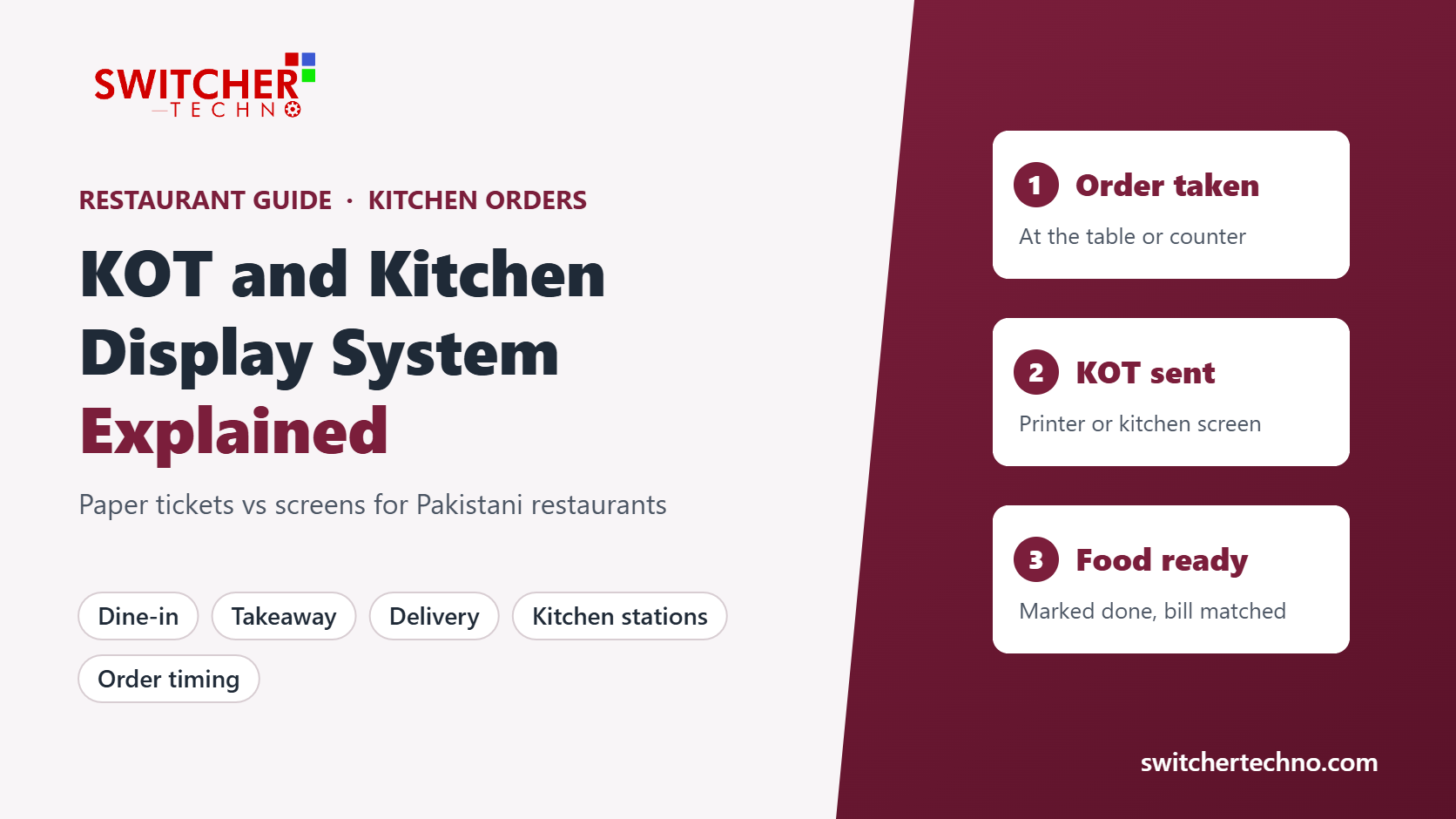
KOT and Kitchen Display System (KDS) Explained: A Guide for Pakistani Restaurants
In short: A KOT (Kitchen Order Ticket) is the instruction that tells your kitchen what to cook. It can be printed on paper or shown on a kitchen display screen (KDS). Whichever you use, the KOT should come from the same order as the bill, so food made, food billed and cash collected always match. This guide explains how KOTs work, when a screen is worth it, and what to check before you choose.
What is a KOT?
A Kitchen Order Ticket is created when a waiter or cashier enters an order. It usually shows:
- the order type: dine-in, takeaway or delivery
- the table number or order number
- each item and its quantity
- special instructions, such as “less spicy” or “no onion”
- the time the order was placed and who placed it
- Delivery app orders and your restaurant POS
The KOT does not need prices. Its job is to tell the kitchen what to make. The customer’s bill, with prices and tax, is a separate document created from the same order.
How an order moves from table to kitchen
- The order is taken. The waiter enters items on the POS, a tablet or at the counter, against a table or an order number.
- The KOT is sent. The software prints a KOT in the kitchen or shows it on a kitchen screen as soon as the order is saved. Nobody has to walk a paper slip to the kitchen.
- The kitchen prepares the food. If items go to different sections, such as BBQ, tandoor, Chinese or drinks, each section receives only its own items.
- Extra items get a new KOT. When a table adds a dish, a new KOT goes to the kitchen and the item is added to the same table’s bill.
- The food is served and the bill is printed. The bill lists everything on the table’s KOTs, so nothing is missed and nothing extra is charged.
- Day end. The owner or manager compares KOTs, bills and cash, and checks any cancelled or edited KOTs.
Paper KOT printer vs kitchen display screen
| Point | KOT printer | Kitchen display screen (KDS) |
|---|---|---|
| Starting cost | Low: a thermal printer and paper rolls | Higher: a screen for each kitchen section |
| Best for | Small kitchens with one counter and modest volume | Busy kitchens with several sections and many delivery orders |
| Common problems | Slips get lost, torn or greasy; the printer runs out of paper or jams at rush hour | Depends on a working screen and correct item-to-section setup |
| Order timing | Hard to measure how long orders wait | Shows when each order arrived and how long it has been waiting |
| Marking food ready | Done by hand or by shouting across the pass | One tap marks a dish or order as ready |
| Kitchen sections | A separate printer per section, or slips sorted by hand | Items routed automatically to each section’s screen |
Many restaurants use both: screens on the main line and a printer as a backup, or a printer for drinks and a screen for the hot kitchen.
No KOT, no food. If every plate that leaves the kitchen has a KOT, and every KOT is linked to a bill, it becomes much harder for food to go out unbilled. Our guide on stopping waiter and cash theft explains the other controls that work with this rule.
KOTs for dine-in, takeaway and delivery
Most Pakistani restaurants run all three order types at once. A good setup keeps them in one queue so the kitchen is not juggling a POS printer, a delivery tablet and phone orders written on paper.
- Dine-in: the KOT shows the table number, and additions go on the same table.
- Takeaway: the KOT shows an order number that the customer is called by.
- Delivery: the KOT shows the order number and any packing notes; the rider takes the bill with the order.
If you take orders from delivery apps, ask the vendor exactly how those orders reach the kitchen. Some restaurants enter them on the POS by hand so a KOT is printed and the sale is recorded.
Cancelled and edited KOTs: where leakage hides
A KOT that is cancelled after the food is made is a cost with no sale. Ask your software to:
- require a reason for every cancelled or reduced item
- allow cancellation only by a manager or with a PIN
- print a “cancel” slip in the kitchen so the cook knows to stop
- show a daily report of cancelled and edited KOTs by waiter
Review this report every day for the first month. Patterns matter more than a single mistake during a rush.
KOTs, recipes and stock
When each menu item has a recipe in the software, every billed item can reduce the raw material it uses. Over time you can compare what the kitchen should have used with what is actually left in the store. This is the basis of food cost control, which we cover in our guide to restaurant food cost and recipe costing.
Tax and bills: keep the KOT and the invoice linked
Provincial revenue authorities run POS integration schemes for restaurants, such as the Sindh Revenue Board in Sindh, the Punjab Revenue Authority in Punjab and KPRA’s RIMS system in Khyber Pakhtunkhwa. These rules apply to the customer’s invoice, not to the kitchen ticket, but they are a strong reason to make sure every KOT turns into a proper bill. See our guide to FBR digital invoicing for restaurants and take advice on which rules apply to your business.
Checklist: questions to ask before you choose
- Is a KOT sent automatically as soon as an order is saved?
- Can items be routed to different kitchen sections or printers?
- Do added items go to the same table’s bill?
- Do cancelled items need a reason and a manager’s approval?
- Is there a daily report of cancelled and edited KOTs?
- Can orders still be taken and KOTs printed if the internet drops?
- Do dine-in, takeaway and delivery orders appear in one place?
- Is a kitchen screen available if you outgrow printers, and what does it cost?
- Is local support available in your city during your busy hours?
Switcher Techno’s restaurant software sends KOTs to the kitchen as soon as the order is placed, handles dine-in, takeaway and delivery from one screen, and keeps billing running in offline mode. For prices and what affects them, see restaurant software price in Pakistan.
Want to see KOTs working with your own menu?
Book a free demo of Switcher Techno’s restaurant software, with local support from Karachi and Lahore since 2010. Bring a few of your menu items and kitchen sections and we will show you how orders reach each one.
Frequently asked questions
What does KOT stand for in a restaurant?
KOT stands for Kitchen Order Ticket. It is the slip or screen entry that tells the kitchen what to cook for a table, takeaway or delivery order. It lists the items, quantities and any special instructions, and it should be linked to the final bill.
Is a KOT the same as the customer’s bill?
No. The KOT goes to the kitchen and is used to prepare food. The bill goes to the customer and shows prices, tax and payment. In good restaurant software both are created from the same order, so the bill always matches what the kitchen made.
Do I need a kitchen display screen, or is a KOT printer enough?
A KOT printer is enough for many small restaurants with one kitchen counter and modest volume. A kitchen display screen starts to pay off when you have several kitchen stations, busy peak hours or a lot of delivery orders, because screens route items to the right station and show how long each order has been waiting.
What happens to KOTs when the internet goes down?
That depends on your software. Ask the vendor whether orders can still be taken and KOTs printed when the internet drops, and how the data syncs later. Switcher Techno’s restaurant software has an offline mode so billing continues when the internet goes down.
How do KOTs help stop food and cash leakage?
If the rule is that no food leaves the kitchen without a KOT, every plate is tied to an order and every order is tied to a bill. The owner can then compare KOTs, bills and cash at day end, and look into cancelled or edited KOTs.
Can one KOT go to different kitchen sections?
Yes, in most modern restaurant software. Items can be mapped to sections such as BBQ, tandoor, Chinese or drinks, so each section receives only its own items on its printer or screen. Check this in a demo using your own menu.
This article is general guidance for restaurant owners. Features differ between software vendors, so please confirm them in a demo. Tax rules change; take qualified advice on the rules that apply to your business. Published 10 November 2026.
