
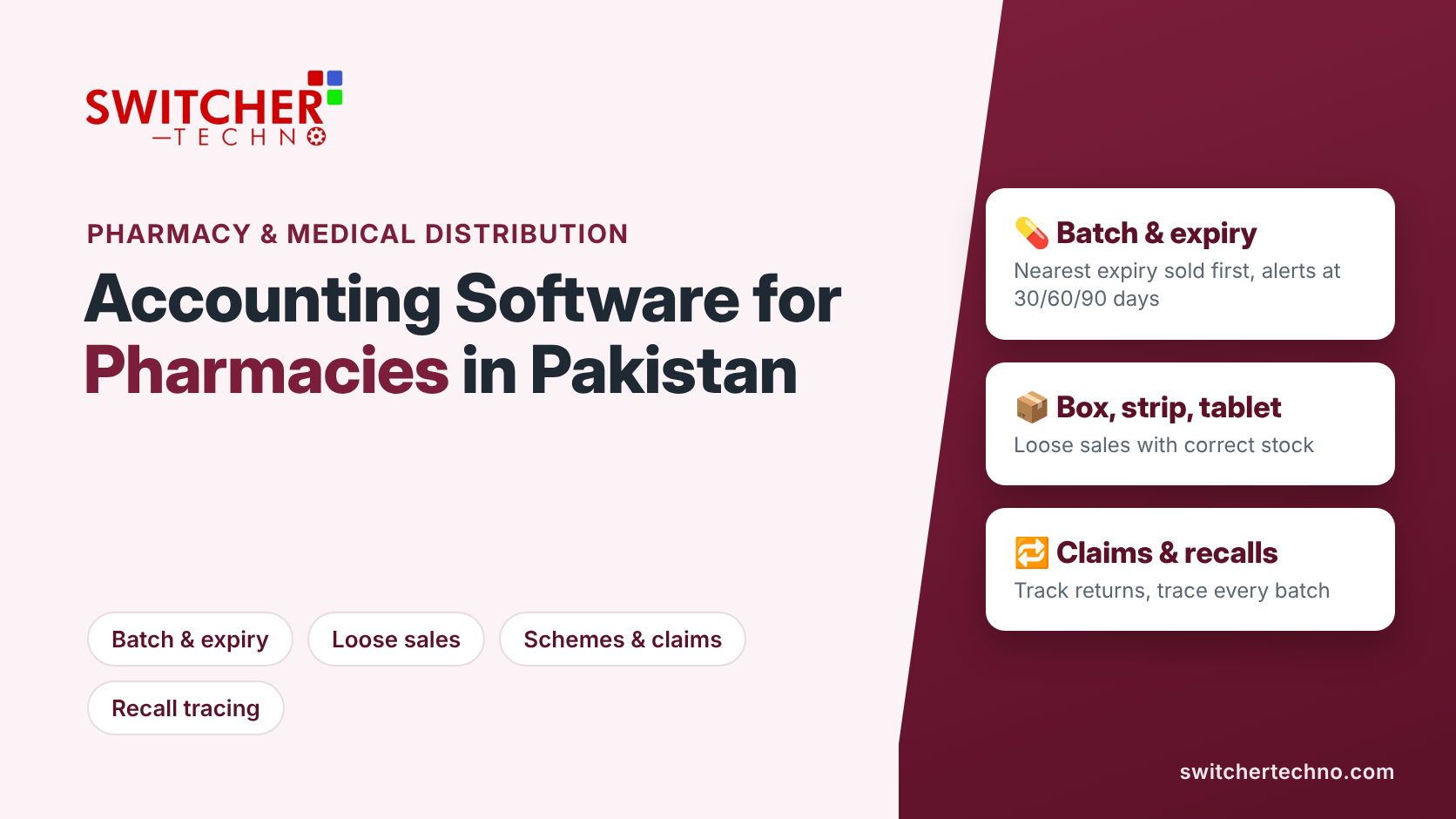
Accounting Software for Pharmacies and Medical Distributors in Pakistan: What You Really Need
In short: Pharmacies and medical distributors in Pakistan need accounting software that tracks every medicine by batch and expiry, sells loose tablets as well as full packs, handles company schemes and near-expiry claims, can trace a recalled batch to the customers who bought it, and keeps tax right when medicines and general items sit on the same bill. Large pharmacy chains also need FBR POS integration. Generic shop software misses most of this, and the cost shows up as expired stock and lost claims.
A pharmacy in Karachi or a medicine distributor in Lahore deals with thousands of items, each with its own batch numbers and expiry dates, bought from dozens of companies and sold in strips, tablets and packs. Doing that in a register or Excel means expired stock nobody noticed, schemes nobody claimed and stock counts that never match.
This guide lists what pharmacy and medical distribution businesses should demand from their accounting software, and the questions to ask before you buy.
Why pharmacy accounting is different
- Expiry is money. Every expired box is a direct loss unless it is returned or claimed in time.
- Loose sales. A pack may be sold as a full box, a strip or a single tablet, and stock must reduce correctly in each case.
- Batches matter. When a batch is recalled, you must know where it went.
- Schemes and bonuses. Pharma companies give bonus units and trade offers that change the real cost of every item.
- Mixed tax treatment. Medicines, supplements, cosmetics and baby products on the same bill may not be taxed the same way.
10 features pharmacies and medical distributors need
1. Batch and expiry tracking on every purchase and sale
Enter batch number and expiry date at purchase. The software should then sell the nearest-expiry stock first (first expiry, first out) and show batch-wise stock at any time.
2. Near-expiry alerts
A report of items expiring in the next 30, 60 or 90 days lets you push those items, return them to the distributor or claim them before the deadline. For a full weekly routine, see our guide to medicine batch and expiry tracking.
3. Units and loose sales
Define each item as box, strip and tablet (or bottle and ml). Selling one strip should reduce stock by exactly one strip and keep the cost right.
4. Search by brand and by generic name
Customers and doctors ask for both. Fast search by brand, generic name (salt) and company, plus barcode scanning, keeps the counter moving.
5. Schemes, bonus units and discounts
Record bonus quantities from companies so the true cost per unit is right, and apply customer discounts consistently at the counter.
6. Returns and claims
Track returns to distributors and companies, expired and damaged stock, and pending claims until the credit note arrives.
7. Recall tracing
If a batch is recalled, a distributor must find every customer who received it and a pharmacy must pull it from the shelf. Batch-wise sales history makes this a five-minute job instead of a day of searching invoices.
8. Credit customers and recovery
Distributors and many pharmacies supply clinics, hospitals and retailers on credit. Credit limits, ageing reports and salesman-wise recovery stop money getting stuck. See our guide to accounting software for wholesale and distribution.
9. Correct tax on mixed bills
Your software should let you set the tax treatment item by item, so medicines, supplements and general items on one bill are each taxed correctly. Rules change with Finance Acts, so rates must be easy to update. Pharmacy chains that qualify as Tier-1 retailers must also be integrated with FBR; read who counts as a Tier-1 retailer.
10. Reports that protect margins
Profit by item and company, slow-moving stock, expiry losses by month, purchase price changes and daily cash. These tell you which products and suppliers actually make money.
| Problem | What the software should do |
|---|---|
| Expired stock found too late | Near-expiry report and alerts by batch |
| Stock never matches after loose sales | Box, strip and tablet units with automatic conversion |
| Bonus units not reflected in cost | Scheme and bonus entry at purchase |
| Recalled batch already sold | Batch-wise sales history by customer |
| Claims forgotten | Claims register until the credit note is received |
| Wrong tax on mixed bills | Item-wise tax settings, updated with each Finance Act |
Ask your team for the value of stock expiring in the next 90 days. If nobody can answer within a few minutes, your current system is costing you money every month.
Retail pharmacy vs medical distributor: what changes
| Need | Retail pharmacy | Medical distributor |
|---|---|---|
| Counter speed and barcode billing | Essential | Less important |
| Loose (strip/tablet) sales | Essential | Rare |
| Order booking and delivery | Rare | Essential |
| Credit limits and recovery by salesman | Useful | Essential |
| Company schemes and claims | Useful | Essential |
| Recall tracing by customer | Shelf level | Customer level |
How to switch without losing track of stock
- Count stock by batch. Enter opening stock with batch and expiry, not as one total per item.
- Clean the item list. Merge duplicate names and set box, strip and tablet units correctly.
- Load parties and balances. Distributors, companies and credit customers with opening balances.
- Set schemes, discounts and tax. Start with your top companies and best-selling items.
- Train the counter and store staff. One focused session on billing, returns and expiry reports is usually enough.
Setting up accounts for the first time? Our free chart of accounts template is a good starting point.
To see how bonus quantities and trade discounts change the real cost per box, read distributor bonus and discounts: working out the true cost of medicines.
Built for Pakistani pharmacies and medical distributors
Switcher Techno’s software handles batch and expiry, loose sales, schemes, claims and FBR integration, with local support from Karachi since 2010. See our pharmacy POS or book a free demo with your own items.
Frequently asked questions
What is the best accounting software for a pharmacy in Pakistan?
Choose software that tracks batch and expiry, sells loose strips and tablets, searches by brand and generic name, handles schemes and claims, and supports FBR integration if you are a large chain. Test it with your own items before buying.
How does pharmacy software handle expiry dates?
It records the batch and expiry at purchase, sells the nearest-expiry stock first and gives near-expiry reports so you can return, claim or promote items before they expire.
Can I sell single tablets and still keep stock correct?
Yes, if the software supports multiple units per item, such as box, strip and tablet. Each sale reduces stock in the right unit and the cost stays accurate.
Do pharmacies need FBR integration?
Pharmacies that qualify as Tier-1 retailers, for example outlets of a chain, must be integrated with FBR. Smaller pharmacies should check their status with a tax adviser, as the rules change with Finance Acts.
How do medical distributors handle a batch recall?
With batch-wise sales history, the distributor can list every customer who received the recalled batch, contact them and record returns against that batch.
Is Excel enough for a small pharmacy?
Excel cannot track expiry by batch, convert loose units or alert you before stock expires. Most pharmacies lose more on expired and unclaimed stock than proper software costs.
This article is general guidance for Pakistani pharmacies and medical distributors as at November 2026. It is not legal, regulatory or tax advice; confirm licensing, drug-law and tax requirements with the relevant authority or a qualified adviser.
