
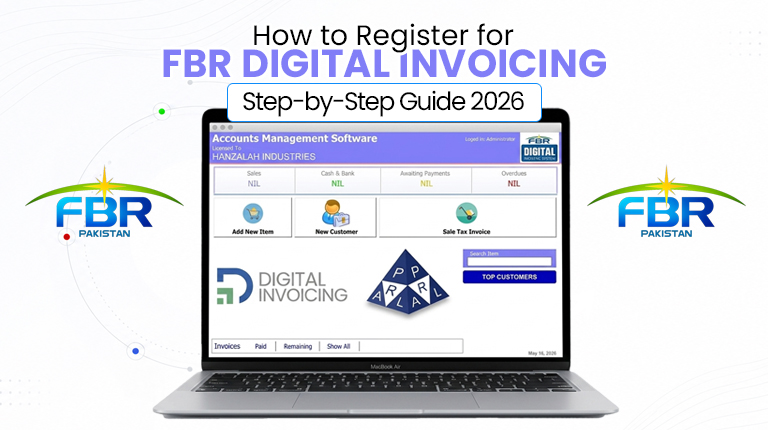
If your business has been notified under Pakistan’s new e-invoicing rules, registering for FBR digital invoicing is the first official step toward compliance. The process happens entirely online through FBR’s IRIS portal, and once you understand the sequence, it is far simpler than most business owners expect. This guide walks you through every step — from logging in and choosing your integration mode, to sandbox testing and going live with real-time e-invoices.

The whole journey breaks down into three clear stages: register on IRISconnect your software (integration), and test, then go live. Below, we explain exactly what to do at each stage so you can get compliant without confusion or last-minute stress.

Before you start: what you need ready

Registration goes much faster when your documents and details are prepared in advance. Keep the following ready before you begin:

  • Your NTN (National Tax Number) or CNIC linked to your business
  • Your STRN (Sales Tax Registration Number), if your business is registered for sales tax
  • Your IRIS portal login credentials (username and password)
  • Business details — outlet/branch information and point-of-sale details
  • A billing or POS system that can connect to FBR’s digital invoicing APIs

If your business is not yet registered for sales tax, you will first need to obtain your STRN through IRIS before you can begin the digital invoicing registration.

Step 1: Log in to the IRIS portal

Everything starts at FBR’s IRIS portal — the central system for all tax and e-invoicing activity in Pakistan. Open the official IRIS portal at iris.fbr.gov.pk and log in using your CNIC or NTN as the username, along with your password. After logging in, you will land on your IRIS dashboard, where all your tax and invoicing options are managed.

For the smoothest experience, use an updated browser such as Google Chrome or Mozilla Firefox. Older browsers often cause login or captcha errors on the portal.

Step 2: Open the Digital Invoicing section

From your IRIS dashboard, navigate to the Digital Invoicing option on the main menu. This is the dedicated area where your business registers for e-invoicing and connects to FBR’s system. Selecting it begins the formal registration process for real-time electronic invoicing.

Step 3: Choose your integration mode

Next, you will reach the Integration Mode screen. This is the method through which your business’s invoices are connected and submitted to FBR’s platform. You will typically choose between:

  • API Integration — your billing or POS software connects directly to FBR’s system and transmits invoices automatically in real time
  • Manual entry — invoices are entered directly, suitable only for very low volumes

For most businesses, API integration is the practical choice because it removes manual work and ensures every sale is reported instantly and accurately.

Step 4: Select your integration route — PRAL or a licensed integrator

During registration, IRIS asks you to choose who will handle your integration. There are two routes. You can proceed with PRAL (Pakistan Revenue Automation Pvt Ltd), FBR’s official licensed integrator, which provides integration services free of cost. Alternatively, you can proceed with another licensed integrator of your choice.

Whichever route you choose, the actual connection between your billing system and FBR is configured by a licensed integrator. A software provider can prepare and connect your system so it generates compliant invoices, while the licensed integrator completes the official integration with FBR.

Step 5: Obtain your API credentials

Once your integration mode is set, IRIS provides the API credentials your software needs to communicate with FBR. These typically include an API token, username, password, and a sandbox (testing) token. Your invoicing software uses these credentials to securely transmit invoice data to FBR’s system.

Keep your API credentials secure. Only share them with your licensed integrator or authorised personnel, never publicly.

Step 6: Complete sandbox (test) integration

Before issuing real invoices, you must test your setup in FBR’s sandbox environment. Using the sandbox token, your software sends sample invoices in the required JSON format to verify everything works. This stage confirms that:

  • Invoice data transmits to FBR correctly
  • Unique invoice numbers and QR codes generate properly
  • Sales tax calculations appear accurate
  • Any errors are identified and fixed before going live

Sandbox testing is the safety check that prevents rejected invoices once you go live. Do not skip it.

Step 7: Go live with real-time e-invoices

Once sandbox testing passes and FBR approves your setup, you switch to the live (production) environment. From this point, every sale generates a real-time electronic invoice with a digital signature and QR code, transmitted instantly to FBR. On successful submission, FBR issues a unique Invoice Reference Number (IRN) and logs the transaction.

Monitor the system closely during the first few days to confirm all invoices are reaching FBR successfully, then settle into normal day-to-day operation.

After registration: what FBR expects ongoing

Registration is not a one-time formality — it brings ongoing record-keeping duties. After you go live, your business must issue verifiable e-invoices for every sale, securely transmit invoice data as transactions happen, retain electronic records for six years, and provide audit access to Inland Revenue officers when required. For a broader view of the rules and deadlines, see our complete FBR digital invoicing guide, and for budgeting, our breakdown of FBR digital invoicing cost in Pakistan.

How Switcher Techno can help

Switcher Techno provides FBR digital invoicing integration services for retailers, restaurants, hospitals, and other notified businesses. We help you prepare a compliant billing or POS system, generate invoices with QR codes and digital signatures, complete sandbox testing, and connect smoothly with FBR through the proper licensed-integrator route — so you can register and go live without disrupting daily operations. Whether you run a single outlet or multiple branches, we can guide you through the entire registration process.