

You’re Just One Step Away from Success
Get Your Free Demo Now!
Call Us For More Details: +92-324-2419744 OR +92-335-3058349
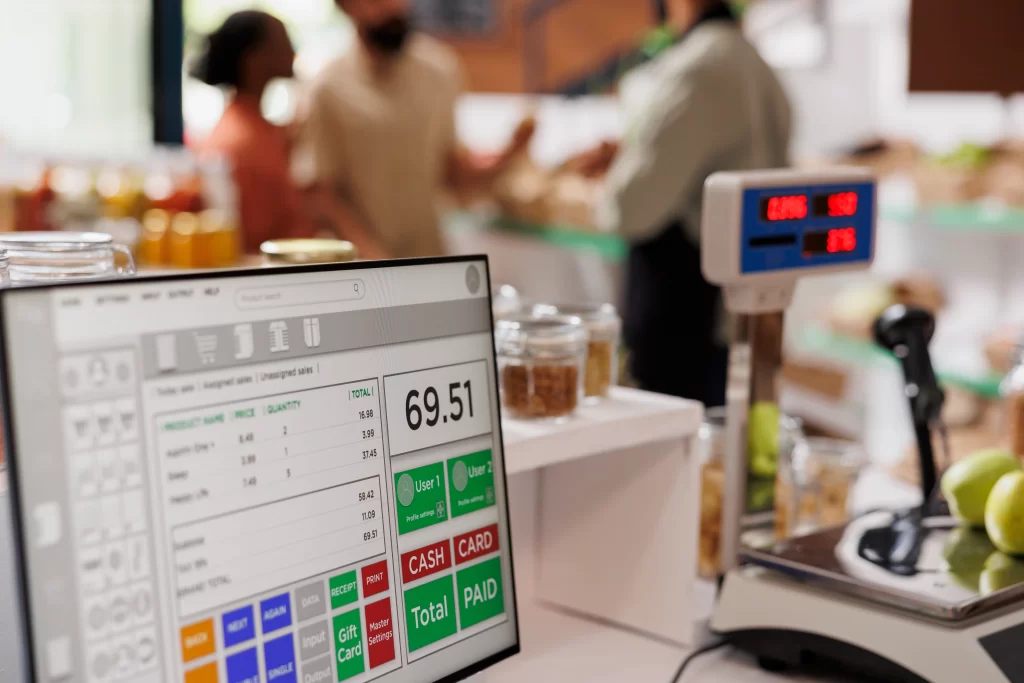


Our POS module is part of AmalERP, a complete cloud ERP software designed for Pakistani businesses.
Schedule a Free Demo Today and Discover how our Leading POS Software can Simplify Your Business Operations and Boost Your Business!
POS software is a point-of-sale system that helps businesses manage sales, billing, inventory, and customer data from one platform. It records every transaction in real time and generates accurate reports for better business decisions.
POS software is ideal for retail stores, supermarkets, restaurants, pharmacies, clothing shops, electronics stores, and multi-branch businesses that want faster billing and better inventory control.
Yes. The POS software is scalable and works for small shops as well as large enterprises with multiple branches. You can start small and upgrade features as your business grows.
Yes. The system provides real-time inventory tracking, stock level updates, low-stock alerts, and product management to prevent over-selling and stock shortages.
Yes. The POS software allows centralized control of multiple outlets from a single dashboard, enabling you to monitor sales, inventory, and staff performance remotely.
Yes. The POS system supports offline mode, allowing you to continue billing and recording sales even when the internet is unavailable. Data syncs automatically once the connection is restored.
The software generates detailed sales reports, daily and monthly revenue summaries, inventory reports, profit analysis, and customer insights to help improve business performance.
Yes. You can store customer purchase history, manage customer profiles, and create loyalty programs or discount offers to increase repeat sales.
Looking for a cloud POS? AmalERP — POS software for Pakistan bills offline through outages and reports to FBR in real time.
Which businesses is this POS software for?
It is used by grocery stores and supermarkets, pharmacies and medical stores, fashion boutiques, jewellery shops, beauty salons, bakeries, coffee shops and restaurants. Each edition keeps the same billing and inventory core, with the settings that business type actually needs.
Does the POS software work offline?
Yes. Billing continues on the local machine when the internet drops, and every transaction syncs automatically once the connection returns, so no sale is lost during an outage.
Is the POS software FBR integrated?
Yes. FBR-compliant sales tax invoices are generated automatically at the point of sale through PRAL’s APIs, with an IRN and QR code on every invoice, so tax reporting happens in the background.
Can it manage more than one branch?
Yes. One account can run a single counter or several branches, with stock, sales and reporting rolling up across all locations while each branch keeps its own stock position.
Does it support barcode scanning and label printing?
Yes. Products are scanned at the counter for instant billing, and barcode labels can be generated and printed from within the system for items that arrive without one.
What reports does the POS software provide?
Daily sales summaries, profit margin analysis, best and worst selling items, supplier comparisons, staff performance and stock valuation. Reports can be filtered by branch, date range or category.
Can I control what my staff can see and do?
Yes. Multi-user access with role-based permissions lets you decide who can give discounts, edit prices, view profit figures or close the day, so the counter runs without exposing your margins.
Is my data backed up?
Yes. Cloud backup runs automatically, so your sales and stock records survive a hardware failure, theft or accidental deletion.
How do I move my existing stock and customer records across?
Existing stock lists, supplier details and customer balances are imported during setup by the Switcher Techno team, and your staff are trained on the system before you go live.
How do I see the POS software working?
Book a free demo and the team will run the system on your own product list, so you can see exactly how it handles your items, your billing and your reports.
